Educational technology for teachers who are not digital natives
Educational technology gains ground among teachers with less digital experience when it is introduced gradually, with intuitive tools and close support, at a pace designed for each person. This kind of teacher brings very valuable pedagogical experience and deserves an adoption path made to measure. This guide goes over how to achieve that, from the first contact with an interactive screen to the everyday use of a complete educational platform.
In brief
- Adoption grows with small steps, visible wins and close support.
- The digital whiteboard is a natural way in, because it replicates the gesture of writing and pointing.
- Educational software with a clear interface shortens the learning curve.
- Continuing teacher training is what sustains adoption over time.
Integrating educational technology when digital experience is recent
A teacher who built their career before the digital era brings years of classroom experience, with a more recent familiarity with digital tools. Integrating educational technology in this context means giving priority to clear resources, with simple, intuitive interfaces and predictable steps, so that the focus stays on teaching and digital learning is built up as one more skill, with the time and practice it deserves.
An adoption path in four steps
Confidence is built with early wins and a clear sequence. This path works well in most institutions:
- First wins. Switching on a digital whiteboard, projecting a video, saving a file. Every win achieved reinforces the willingness to keep exploring.
- Familiar tools. Starting with the interactive screen, which replicates the gesture of writing and pointing that every teacher already commands.
- Clear software. Adopting educational software with recognisable menus and short flows, so everyday tasks are completed in few steps.
- Continuing training. Sustaining progress with short workshops, peer support and space for answering questions.
From first contact to real confidence
Confidence is built with small early wins, and every achievement reinforces the willingness to keep exploring. Institutions that celebrate these first steps, however small they may seem, get teachers to take ownership of educational technology at a steady pace, with an attitude of curiosity and with the calm to master each tool in their own time.
Educational software with friendly learning curves
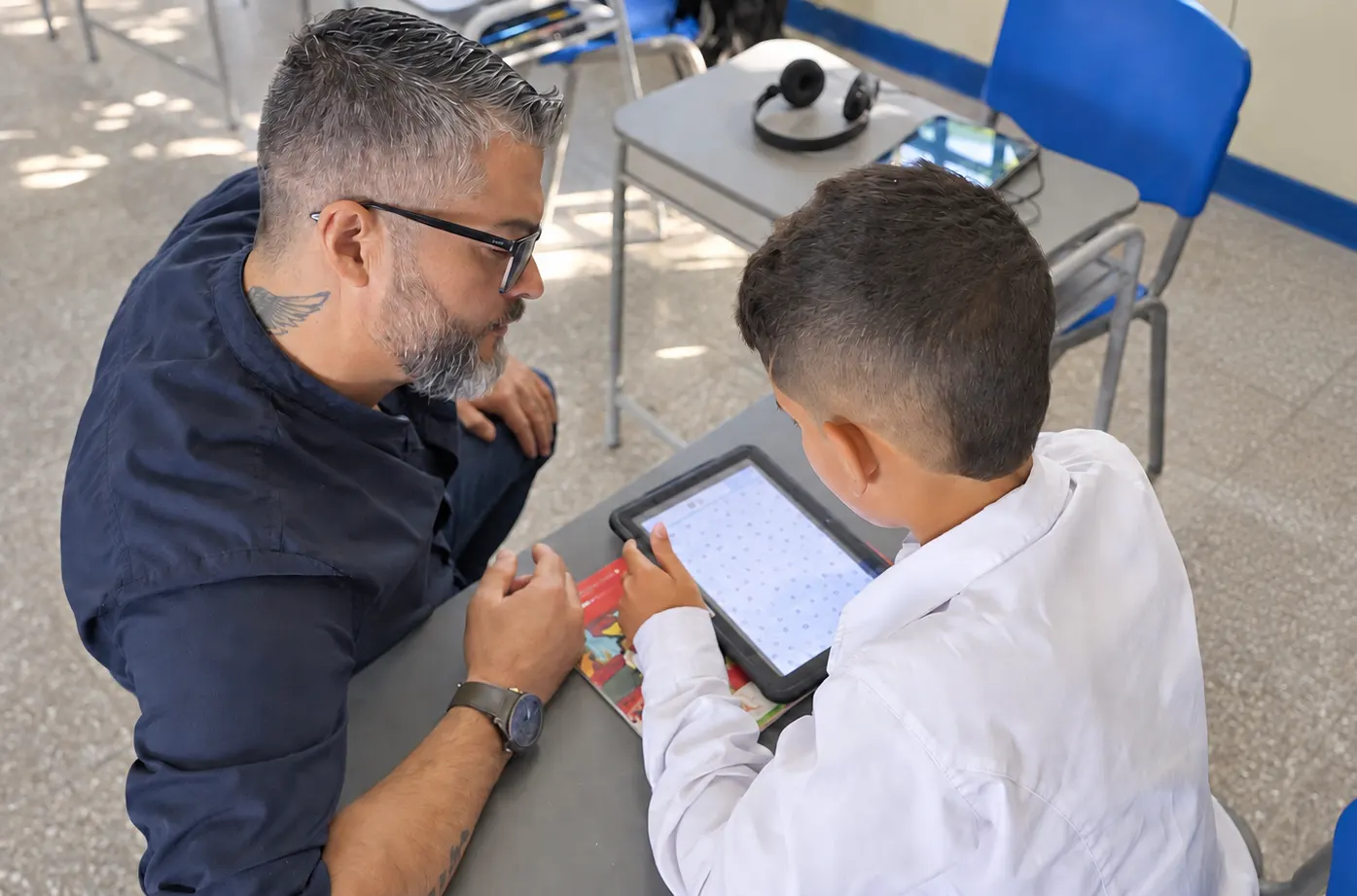
The educational software best received by teachers with less digital experience shares one characteristic: an interface that explains itself. Clear menus, recognisable icons and short workflows make it possible to complete everyday tasks, such as marking or sharing material, with few clicks and results visible straight away. That simplicity turns educational software into an ally of daily work.
The digital whiteboard, a natural way in
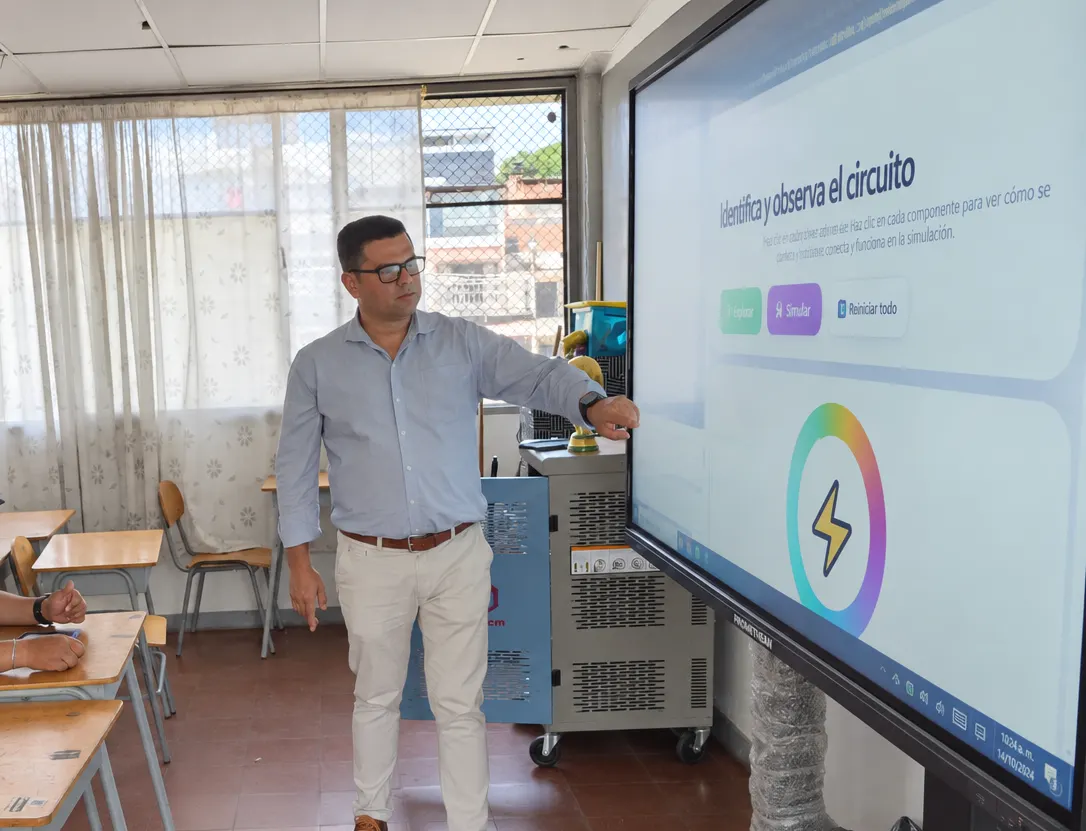
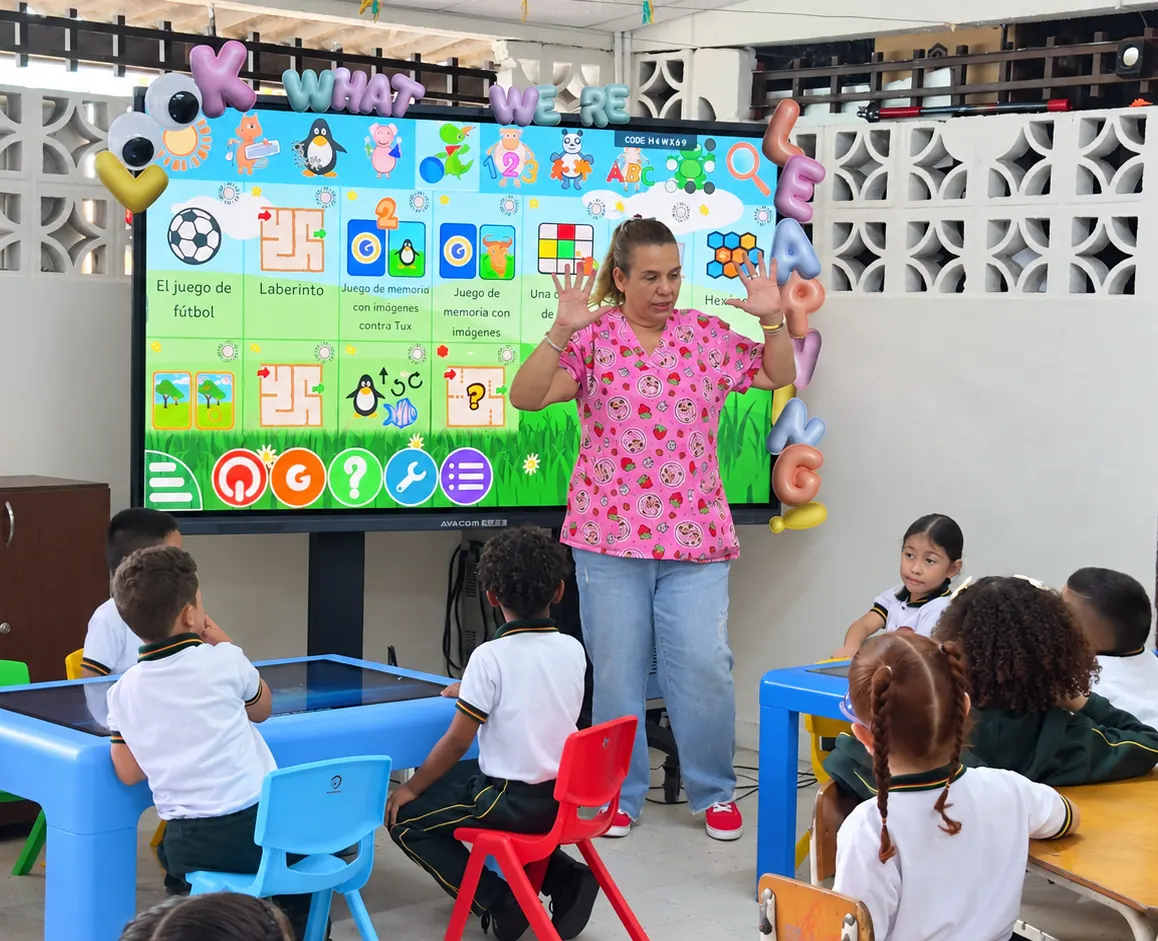
The digital whiteboard and the interactive screen work as a natural way into educational technology, because they replicate the physical gesture of writing and pointing that every teacher already knows. The interactive whiteboard keeps that familiar movement and adds digital functions, which makes learning gentler. Starting here makes the next step towards more complete tools easier.
Continuing teacher training, the basis of adoption
Close, continuing training is the basis that sustains every tool in the classroom. Short workshops, peer support sessions and space for answering specific questions give teachers the confidence to keep moving forward. Institutions that invest in sustained training, with accessible content and examples applied to their own reality, achieve deeper and longer-lasting adoption of educational technology.
An educational platform that centralises everything
An educational platform, or an LMS platform, that brings together marks, materials and communication in one place simplifies life for the teacher who is becoming familiar with digital tools. Fewer applications to learn means more energy available for teaching. This educational technology ecosystem reduces daily friction and gives a concrete reason to keep using technology every day.
At AVACOM we design educational technology ecosystems with intuitive interfaces and teacher training included, made so that every team can move forward at its own pace. Get to know the ecosystem at avacomworld.com.
Frequently asked questions
How do you start using educational technology if your digital experience is recent?
The ideal starting point is familiar tools, such as a digital whiteboard, together with short training and close support. Moving forward with small steps and visible wins builds confidence quickly.
What characteristics should educational software have for these teachers?
A clear interface, recognisable menus and short workflows that let everyday tasks be completed in few steps, so that the teacher sees results straight away and gains confidence with daily use.
Why is the digital whiteboard a good starting point?
Because it replicates the physical gesture of writing and pointing that every teacher already knows, and adds digital functions progressively. That familiarity makes learning gentler and eases the step to more advanced tools.
What role does teacher training play in adoption?
It is the basis of lasting adoption. Short workshops, peer support and content applied to the reality of the classroom give the confidence needed to integrate technology in a sustained way.