Digital whiteboard: a window into inclusive education
The digital whiteboard opens a real route towards inclusive education, because it lets every lesson be adapted to different learning paces, styles and abilities in real time. The interactive whiteboard offers enlarged images, sound, text and touch manipulation in a single space, and gives every student a way of taking part that matches how they learn. This guide explains how that inclusion works in practice and what part educational technology plays in sustaining it.
In brief
- A digital whiteboard adapts the same content to visual, audio and touch formats in real time.
- The interactive whiteboard adds direct manipulation, which is key to multisensory learning.
- Accessibility features turn inclusion into daily practice.
- Educational software and an LMS platform sustain inclusion by tracking progress.
What is a digital whiteboard and how does it drive inclusion?
A digital whiteboard is a connected surface that projects and organises educational content dynamically, and that the teacher adjusts according to what each group needs at that moment. Its value for inclusion lies in its flexibility: the same content is shown with large text, with visual support, with audio or with a combination of the three, and it makes use of material that already exists. That capacity for immediate adaptation is what sets a digital whiteboard apart from a static resource.
Digital whiteboard and interactive whiteboard: how they differ
| Aspect | Digital whiteboard | Interactive whiteboard |
|---|---|---|
| Main function | Projects and organises content dynamically. | Adds touching, dragging and moving the elements on screen. |
| Experience | Visual and audio, adjustable by the teacher. | Multisensory, with direct manipulation of the content. |
| Contribution to inclusion | Adapts the same content to several formats. | Engages more students with touch and visual stimuli. |
Multisensory learning in the classroom
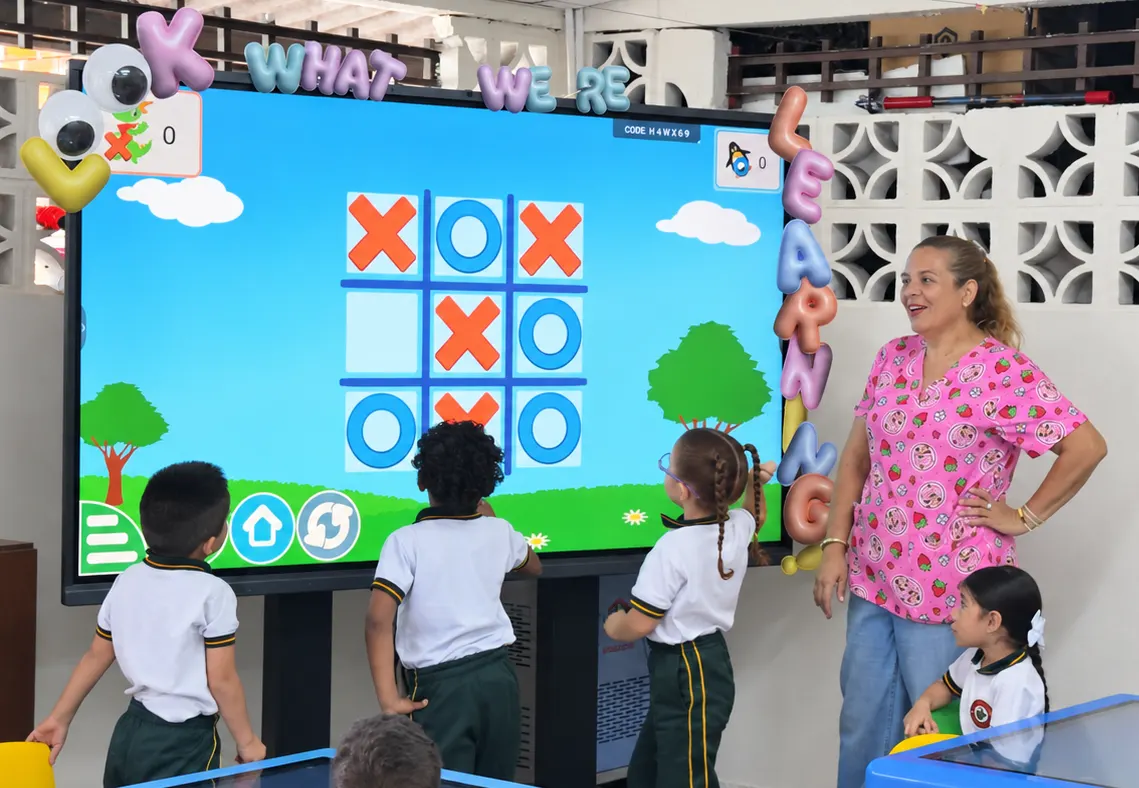
The interactive whiteboard adds a key component to inclusion: direct manipulation. Students with different learning styles get on better when they can touch, drag and move elements on the screen, taking part more actively than simple observation allows. This kind of interaction especially favours those who learn through combined touch and visual stimuli, and it gives the teacher a natural way of involving the whole group in a single activity, with the class together at one level of work.
Accessibility features that make the difference
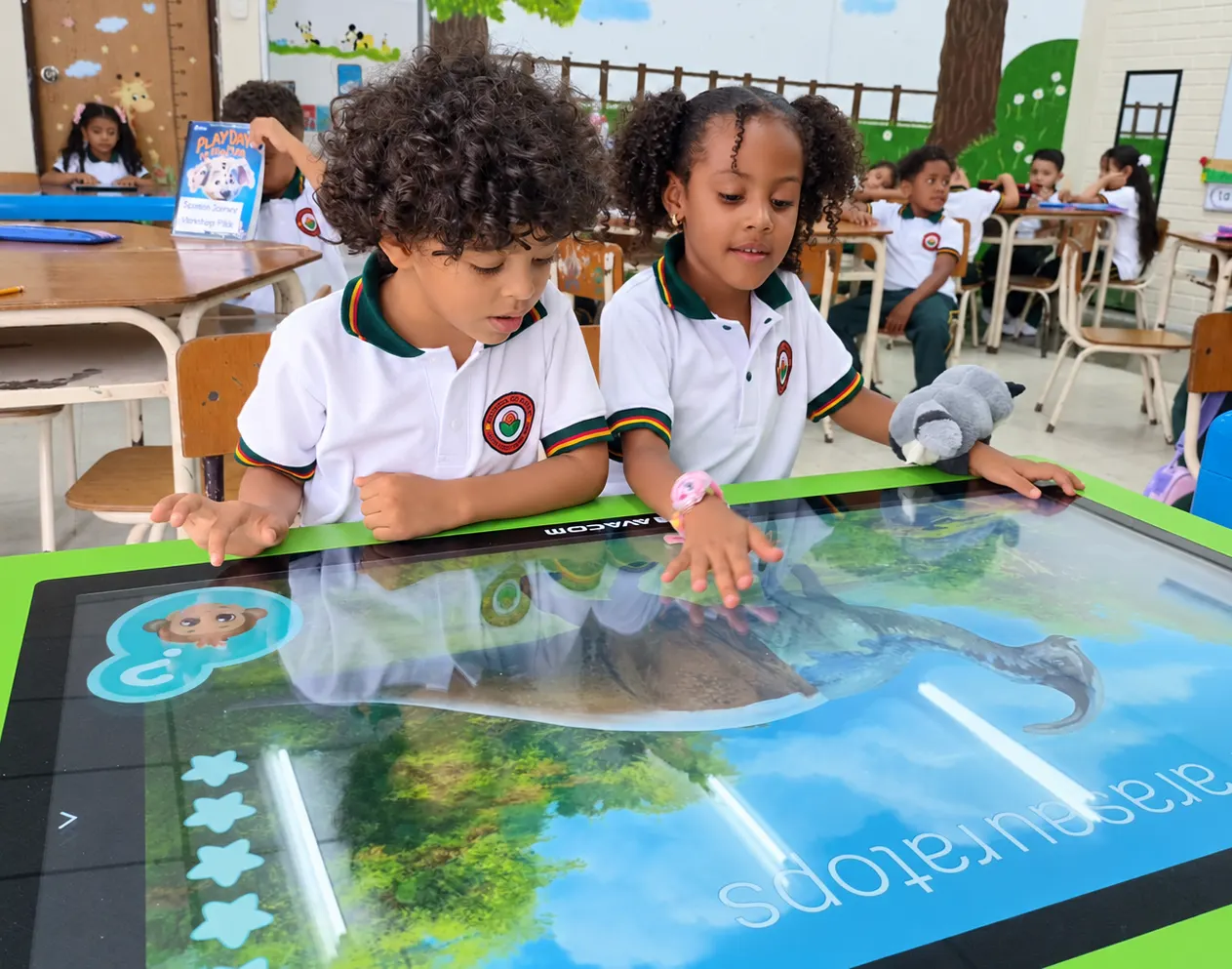
The accessibility features built into an interactive screen turn the theory of inclusion into daily practice: contrast and text-size adjustment for students with low vision, read-aloud for those who rely more on hearing, and touch surfaces that make it easier for students with fine motor difficulties to take part. Every lesson thus becomes a space where a diversity of needs finds an answer, with the same content and the same group pace.
More equitable digital classrooms
When an institution builds digital classrooms around a digital whiteboard, it gains equity of access: every student sees, hears and manipulates the same content from their own starting point. Well-integrated educational technology supports this process by tracking individual progress, which lets teachers identify in good time which student needs extra support and adjust the lesson ahead of time.
Educational software and platforms, allies of inclusion
Educational software designed to work alongside a digital whiteboard multiplies the options for personalisation: activities with adjustable difficulty levels, content in different formats and exercises that adapt to each student's progress. An educational platform that centralises these resources, together with an LMS platform that records progress, lets the institution sustain inclusion with data that backs informed pedagogical decisions.
Frequent uses in day-to-day teaching
In practice, an interactive whiteboard is used to read aloud with simultaneous text highlighting, to project maps and diagrams that students with low vision enlarge instantly, and for collaborative activities where everyone takes part at their own pace. Institutions with STEAM education projects also use the digital whiteboard so that students with different abilities can design, prototype and present their projects in a format accessible to the whole group.
At AVACOM we design educational technology ecosystems, digital whiteboard and interactive whiteboard included, made to bring inclusive education closer to every institution. Get to know the ecosystem at avacomworld.com.
Frequently asked questions
How does a digital whiteboard help inclusive education?
It adapts the same content to different formats, visual, audio and touch, in real time, so that students with different abilities and paces take part in one and the same lesson.
What is the difference between a digital whiteboard and an interactive whiteboard?
The digital whiteboard projects and organises content dynamically; the interactive whiteboard adds the possibility of touching, dragging and manipulating the elements on screen, and brings a tactile component to learning.
What accessibility features does an interactive screen usually have?
Among the most common are contrast and text-size adjustment, read-aloud, and touch surfaces designed for students with fine motor or sensory difficulties.
Why combine the digital whiteboard with educational software?
Because educational software brings content and activities that can be personalised by level, and alongside the digital whiteboard it lets every student progress at their own pace within the same lesson, with individual progress tracking.