How to choose the right educational software for your school
Before looking at the catalog, look at the classroom. A practical guide for the school leaders who will make the decision.
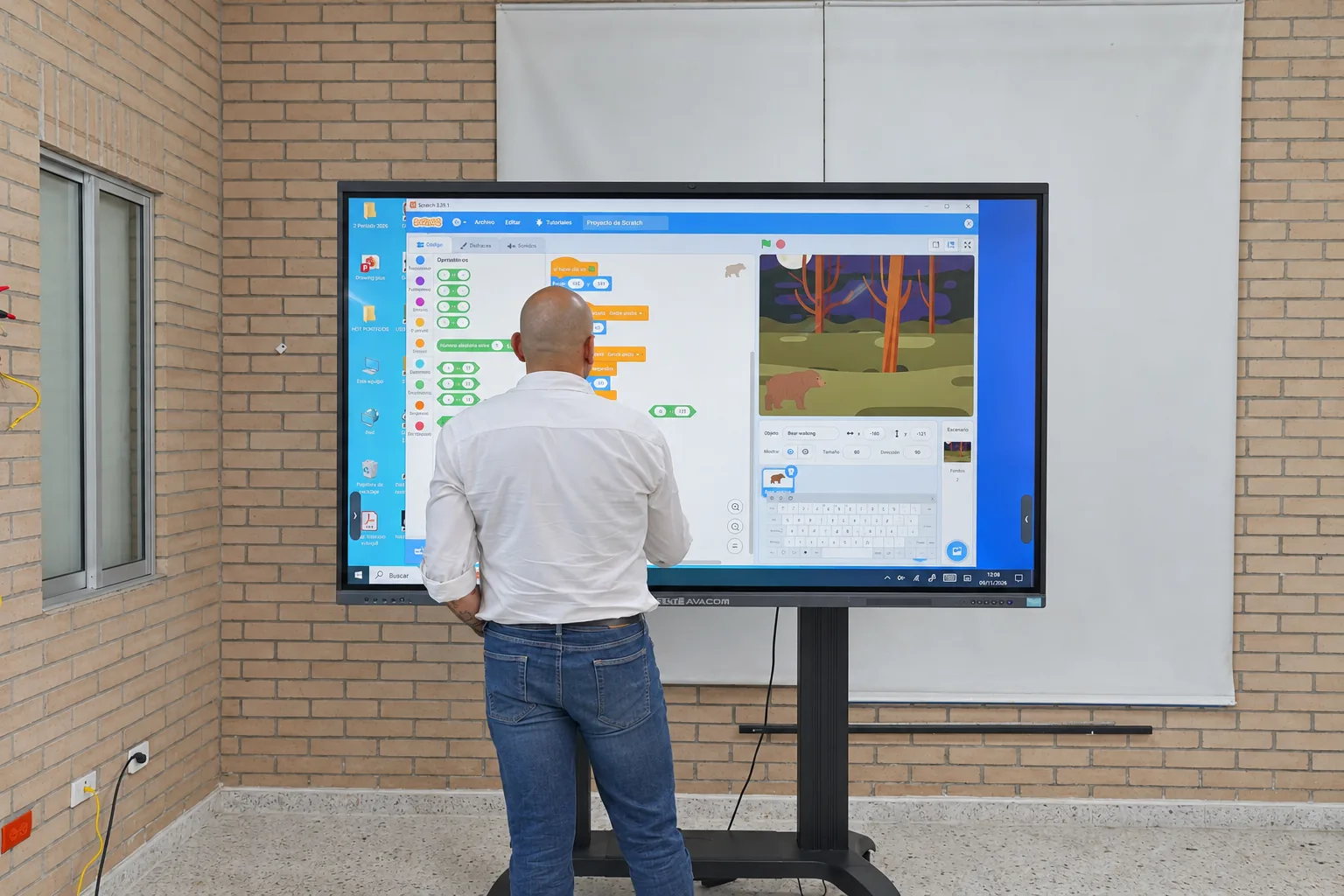
Start with the problem the school wants to solve, in a single sentence.
Good software keeps students active, focused and interacting with others.
Ask about what the demo doesn't show: offline use, curriculum, data and support.
The real cost includes training, support, devices and teacher time.
Many educational software decisions start with a demo. Someone shows a clean interface, a few colorful charts and a couple of eye-catching features. Half an hour later, the committee already has a favorite. The trouble is that almost no one asked what they needed it for.
Start with the problem
Before opening any catalog, a school should be able to write down in one sentence what it wants to solve. Improving reading comprehension in primary school. Tracking math progress individually in groups of forty. Having content available at campuses where the connection comes and goes. Each of those goals leads to a different piece of software. Without that sentence, any tool looks good; with it, half the options rule themselves out.
What the science of learning calls for
Hirsh-Pasek et al. (2015) reviewed what makes an app truly educational and proposed four conditions: that the student is active, stays focused on the task, finds what they learn meaningful for their life, and interacts with other people. The last one deserves a closer look: even the best educational technology is designed for children to learn with others. It is a short list and works as a filter. When trying out software, sit down with it as an eleven-year-old student would and ask yourself what you have to think about to move forward. If the answer is “nothing,” that is a clue.
The questions no one asks during the demo
Some questions tend to be left out of the meeting with the vendor and weigh heavily later on. Does it work without internet? In many schools in the region, that question alone determines whether the tool will be used. Is it aligned with the national curriculum, or will everything have to be adapted by hand? What happens to student data: who stores it, where and for what? UNESCO (2023) found that only 16 percent of countries guarantee data privacy in education by law, so the responsibility for asking often falls on the school itself. Who answers when something breaks at seven o'clock on a Tuesday morning? How are teachers trained, and for how long?
The cost that doesn't show up in the quote
The license price is only one part. It is worth adding up training, support, the devices the software needs to run well and the hours teachers will spend learning to use it. An inexpensive program that no one knows how to use ends up costing a lot; one that comes with support and integrates with what the school already has can end up being the most sensible choice. That is why more and more institutions prefer ecosystems in which hardware, software, content and technical support come from the same place. Fewer loose pieces means fewer points where something can break, and a single point of contact when it needs fixing.
Deciding as a team
The decision is stronger when the IT department, school leadership and the teachers who will use the tool every day all take part, and, if possible, a group of students as well. A pilot of a few weeks, in two or three classes, avoids multi-year commitments to something that doesn't fit. In the end, good software multiplies what a good teacher already does and puts itself at their service.
The best software for a school is the one its teachers are still opening in November, far more than the one with the most features.
AVACOM brings hardware, the eClass Digital platform, curriculum-anchored content and support together in a single offline-first ecosystem, so that the choice becomes an integrated experience, with a single point of contact and clear rules on data.
References
Hirsh-Pasek, K., Zosh, J. M., Golinkoff, R. M., Gray, J. H., Robb, M. B., & Kaufman, J. (2015). Putting education in "educational" apps: Lessons from the science of learning. Psychological Science in the Public Interest, 16(1), 3-34.
UNESCO. (2023). Global education monitoring report 2023: Technology in education: A tool on whose terms? UNESCO.
Ofte stilte spørsmål
Where should you start when choosing educational software?
With the problem. Before opening any catalog, the school should be able to write down in one sentence what it wants to solve. With that sentence, half the options rule themselves out.
What questions should you ask an educational software vendor?
Whether it works without internet, whether it is aligned with the national curriculum, what happens to student data, who responds when something breaks, and how and for how long teachers are trained.
What does the real cost of educational software include?
Besides the license price, it includes training, support, the devices the software needs to run well and the hours teachers will spend learning to use it.
