The impact of interactive screens on student attention
A large screen at the front of the room can gather the whole group's gaze. What happens next depends on how it is used.
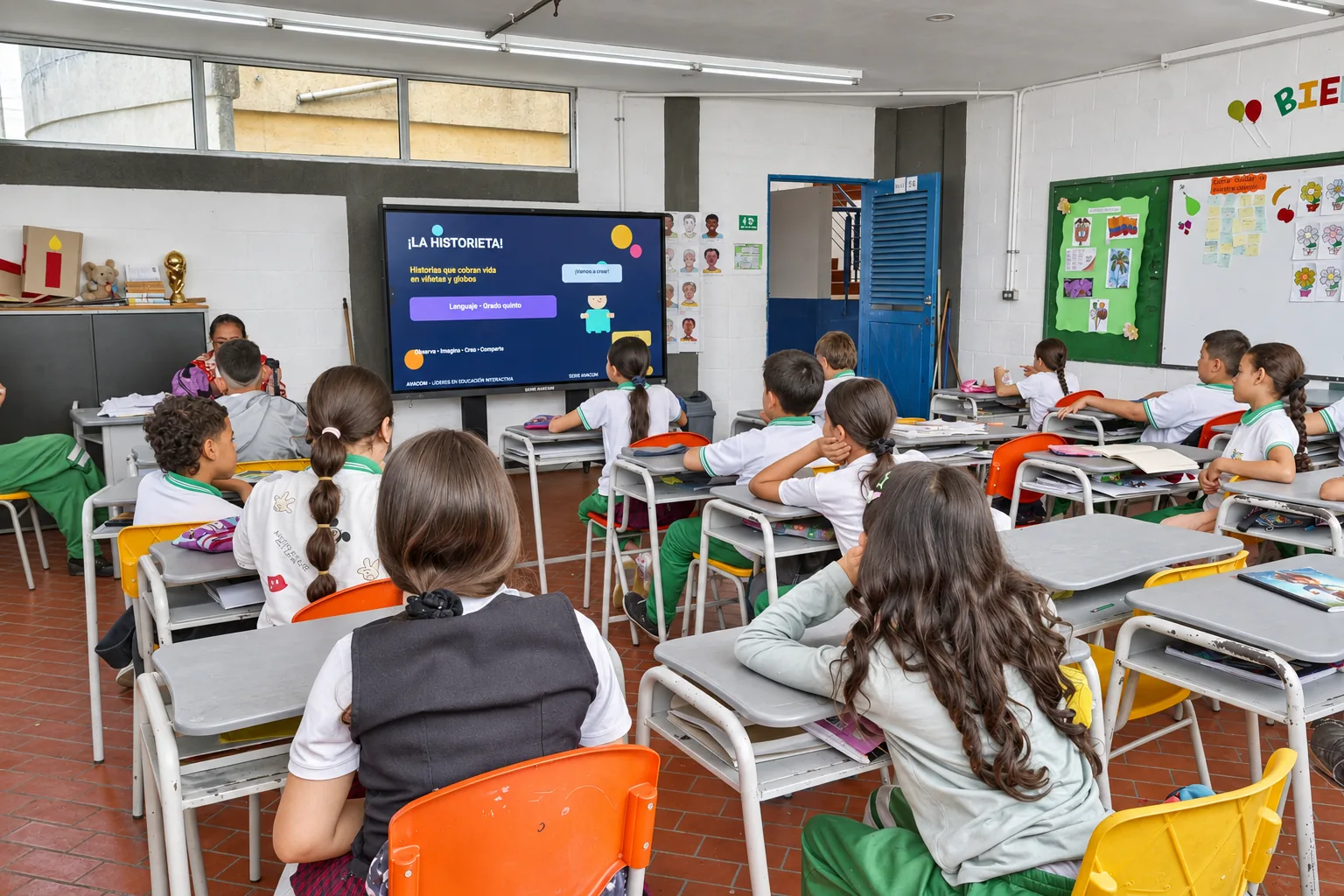
An interactive screen gathers the group's gaze on a single point.
A simple screen focuses attention; too much decoration scatters it.
Touching the screen and coming to the front helps many students stay focused.
Attention is built by the teacher, through the way they use the tool.
Every teacher knows that a group's attention is fragile. A single noise in the hallway is enough to turn twenty heads at once, and winning it back takes effort. That is why any tool that helps gather the group's gaze on a single point deserves a closer look.
A common point
An interactive screen has a simple advantage: everyone sees the same thing, at the same time and at full size. In a review of the research on interactive whiteboards, Higgins et al. (2007) found that teachers and students reported greater motivation and more dynamic lessons, with more moments of whole-class participation. They also noted that the benefit depended on how the teacher integrated the tool into their way of teaching. It is an important nuance and, at the same time, good news: attention comes from what the teacher does with the tool, more than from the device itself.
Less is more on the screen
An experiment at Carnegie Mellon University with preschool children showed that, in a heavily decorated classroom, the children were more distracted and learned less than in one with plain walls (Fisher et al., 2014). The study was not about screens, yet the lesson applies: a slide with colors, animations and text all competing with one another scatters attention instead of focusing it. Mayer (2009), one of the most cited researchers in multimedia learning, reaches a similar recommendation: people learn better from words and pictures together than from words alone, and also when the elements that add nothing to the content are removed. One well-chosen image, one question and room to answer. Very often, that is enough.
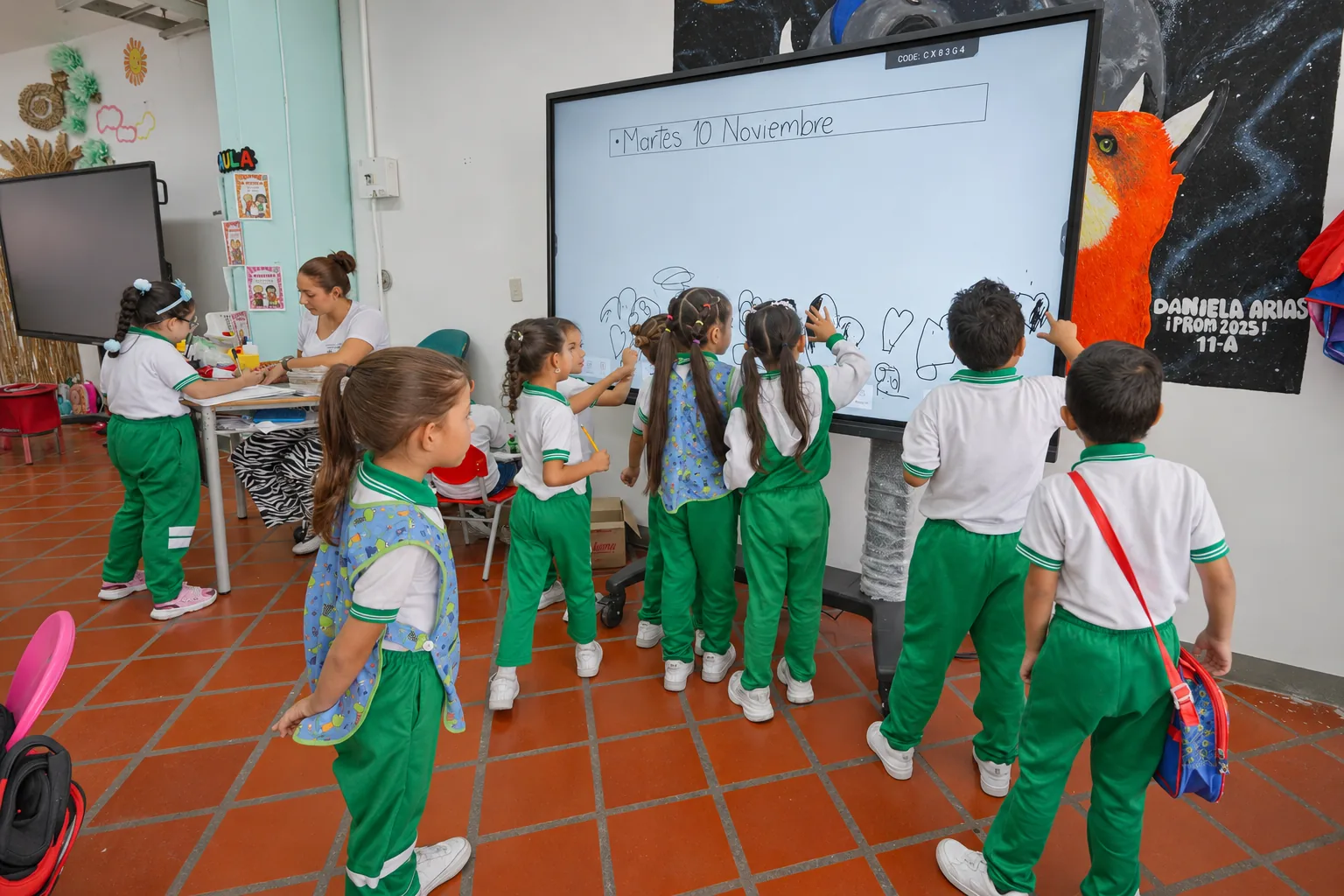
Moving to pay attention
An interactive screen adds a possibility of its own: the student can get up and touch it. Coming to the front, moving a piece, solving one step of the problem in front of classmates. For many children and teenagers, being in motion is exactly what helps them stay focused. And the rest of the group, watching a classmate give it a try, pays a different kind of attention than they pay to an adult.
What a teacher can do tomorrow
A few concrete ideas, with no extra training needed. Open the lesson with a single image or a single question, and leave it there while the group talks. Alternate moments with the screen and moments without it, because leaving it blank also communicates something. Invite different students each day to solve something in front of the group. Mark what matters with a finger or a color while explaining, because pointing guides the eye. And review every slide with one question: does this help students understand, or is it just decoration?
The screen gives the teacher a place to put everyone's attention; the teacher's craft does the rest.
AVACOM's Aula Board 86 Pro + interactive display gathers the group's gaze and works alongside the rest of the offline-first ecosystem, so the teacher can use that meeting point with pedagogical intent.
References
Fisher, A. V., Godwin, K. E., & Seltman, H. (2014). Visual environment, attention allocation, and learning in young children: When too much of a good thing may be bad. Psychological Science, 25(7), 1362-1370.
Higgins, S., Beauchamp, G., & Miller, D. (2007). Reviewing the literature on interactive whiteboards. Learning, Media and Technology, 32(3), 213-225.
Mayer, R. E. (2009). Multimedia learning (2nd ed.). Cambridge University Press.
Ofte stillede spørgsmål
Do interactive screens improve student attention?
They can help, because everyone sees the same thing, at the same time and at full size. The review by Higgins et al. (2007) found greater motivation and more whole-class participation, although the benefit depended on how the teacher integrated the tool into their teaching.
What should a slide look like so it does not distract the group?
Simple. A slide with colors, animations and text all competing with one another scatters attention. One well-chosen image, one question and room to answer are usually enough, and elements that add nothing to the content are best removed.
What can a teacher do to hold attention with an interactive screen?
Open the lesson with a single image or question, alternate moments with and without the screen, invite different students to solve something in front of the group, and point out what matters while explaining.
